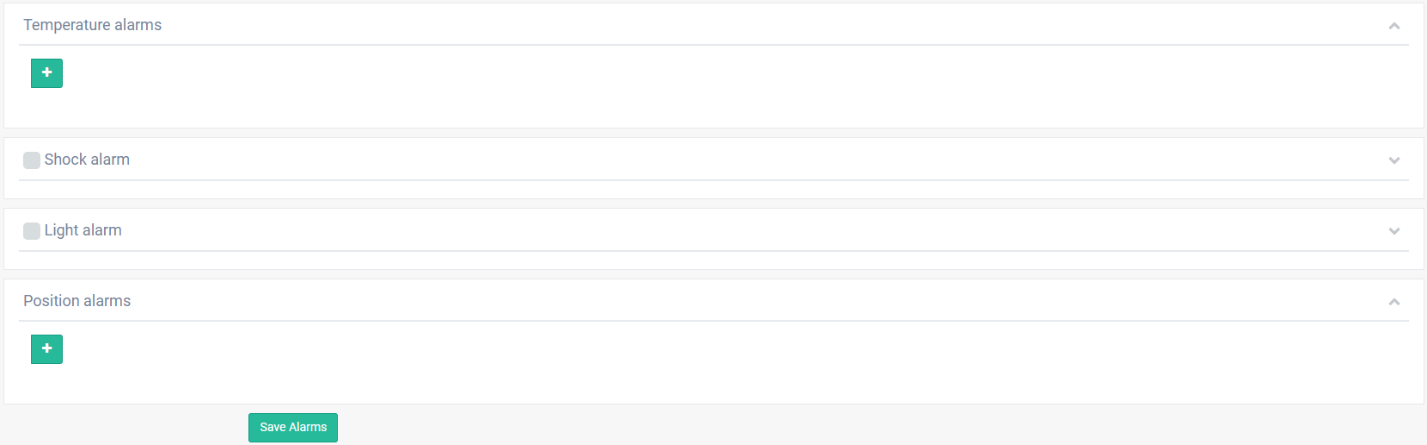
Temperature alarms configuration

Define a name for the alarm.

To add more alarms click on  button.
To remove an alarm click on  button.
Define the limits (min/max) of the alarm.

Click on  button.
A window will appears.

Delayed (for/from)
Example:
- if For= 3 and From = 6 - the alarm will trigger if 3 out of 6 scans were exceeding the limits.
- if For= 1 and From = 1 - the alarm will trigger every time when the data exceeds the limits.
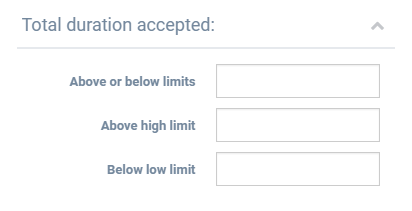
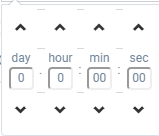
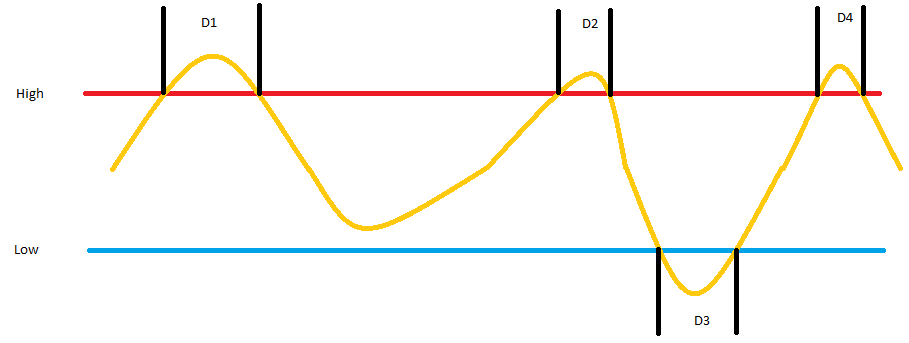
Total duration accepted
- Above or below limits
- Above high limit
- Below low limit
 |
 |
Example:
- ∑Di>= 5 minutes the alarm will trigger after the time above or below limits will totals 5 minutes
- D1+D2+D4 >= 5 minutes the alarm will trigger after the time above high limit will totals 5 minutes
- D3 >= 5 minutes the alarm will trigger after the time below low limit will totals 5 minutes
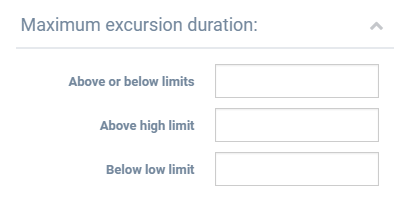
Maximum excursion duration
- Above or below limits
- Above high limit
- Below low limit
 |
|
Number of excursion accepted
- Above or below limits
- Above high limit
- Below low limit
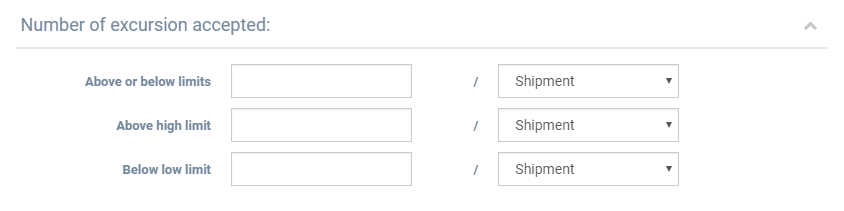
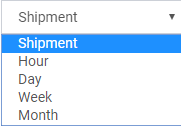
The number of excursions accepted, can be configured:
- per shipment
- per hour
- per day
- per week
- per month.
Click on  button.
Select the type of notifications.

Click on  button.
Click on @ button to configure the email addresses.

A window will appears.
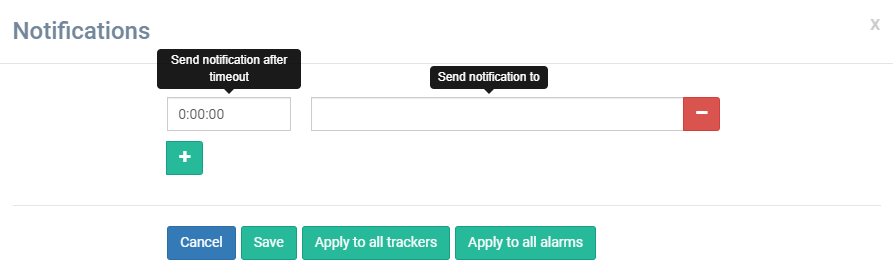
Define the send timeout if is necessary.
Define the email address.
Click on  button to apply the configuration for all trackers available.
Click on  button to apply the configuration for all configured alarms.
Click on button.
Click on  button.
A window will appears.
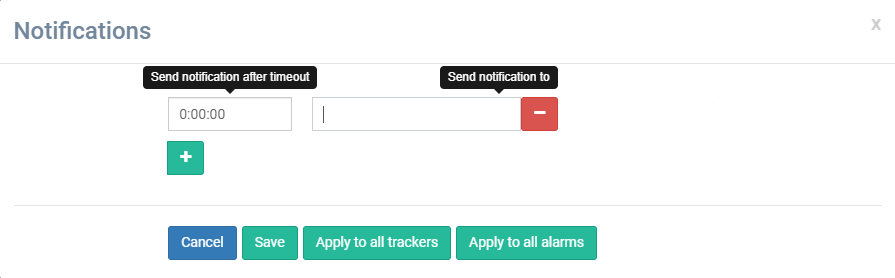
Define the send timeout if is necessary.
Define the telephone number.
Click on button to apply the configuration for all trackers available.
Click on button to apply the configuration for all configured alarms.
Click on button.
Click on  button to save the alarms.
The alarms will be saved on the server. On the next connection of the tracker with the server, the tracker will take its alarms.