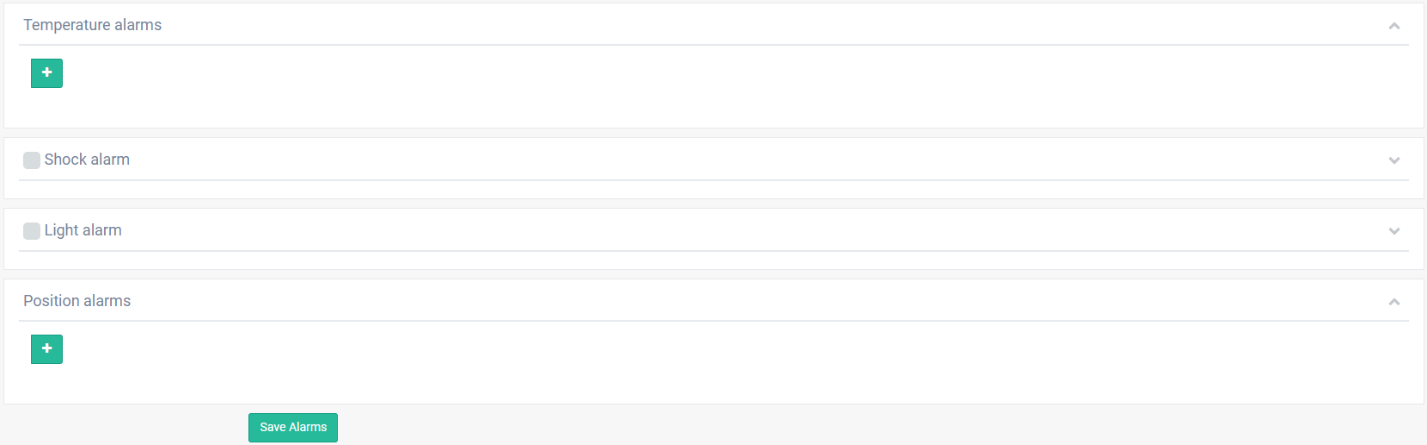
Shock alarm configuration

Define a name for the alarm.

Set the sensitivity from zero to 10, where zero is lower and 10 is higher sensitivity.

Select the type of notifications.

Click on  button.
Click on @ button to configure the email addresses.

A window will appears.
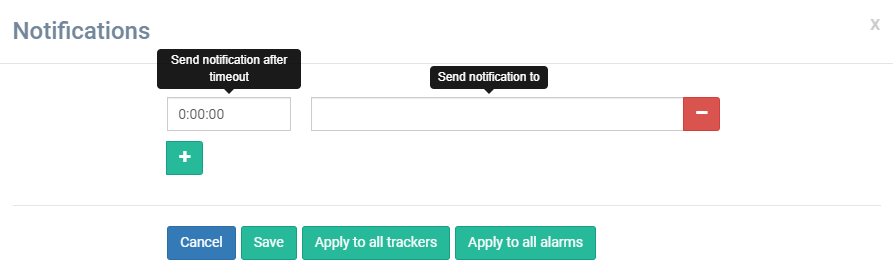
Define the send timeout if is necessary.
Define the email address.
Click on  button to apply the configuration for all trackers available.
Click on  button to apply the configuration for all configured alarms.
Click on  button.
Click on  button.
A window will appears.
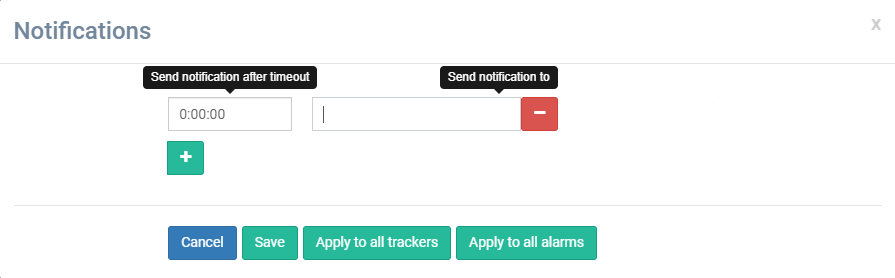
Define the send timeout if is necessary.
Define the telephone number.
Click on button to apply the configuration for all trackers available.
Click on button to apply the configuration for all configured alarms.
Click on button.
Click on  button to save the alarms.
The alarms will be saved on the server. On the next connection of the tracker with the server, the tracker will take its alarms.